ByteDance Seedance Lands on LLM Gateway: Three Video Models, One API
All three ByteDance Seedance video generation models — 2.0, 2.0 Fast, and 1.5 Pro with native audio — are now live on LLM Gateway. Same API key. Same billing. Same dashboard.
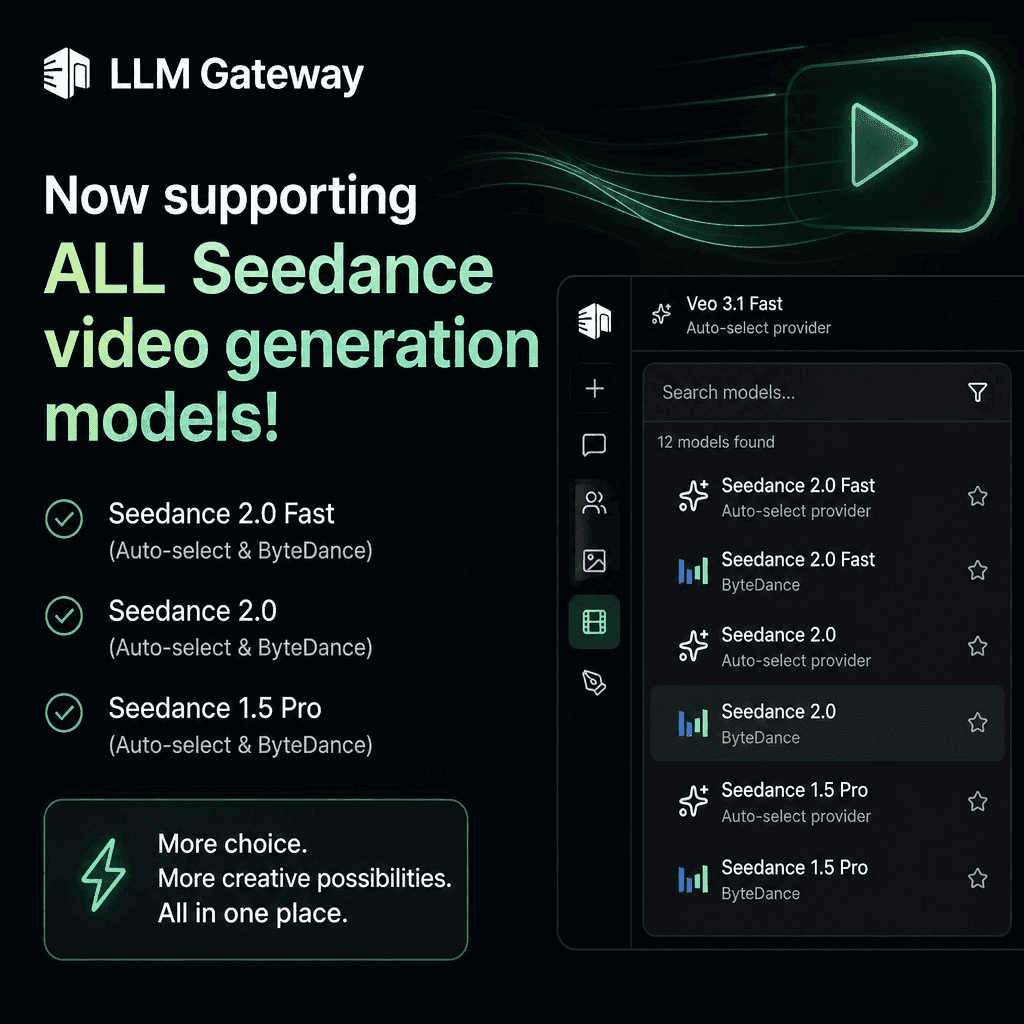
Generative video is the part of the stack that's been changing fastest — and the hardest to keep up with. New models ship every few weeks, each with its own SDK, its own job queue, its own pricing page, and its own billing portal. By the time you've wired one up, the next one is already worth trying.
Today we're closing a piece of that gap. All three ByteDance Seedance video generation models are now live on LLM Gateway — through the same key, the same routing, and the same dashboard you already use for chat, embeddings, and image generation.
What's in the lineup
1bytedance/seedance-2-0 # high-quality text-to-video & image-to-video2bytedance/seedance-2-0-fast # accelerated, faster turnaround3bytedance/seedance-1-5-pro # complex instructions + native audio1bytedance/seedance-2-0 # high-quality text-to-video & image-to-video2bytedance/seedance-2-0-fast # accelerated, faster turnaround3bytedance/seedance-1-5-pro # complex instructions + native audioEach model supports text-to-video, image-to-video (using the first frame as a seed), and reference-image conditioning. You get the resolutions you'd expect — 1280×720, 720×1280, 1920×1080, 1080×1920 — and durations of 5s or 10s.
The standout is Seedance 1.5 Pro, which generates video and a matching audio track in a single call. Pass generate_audio: true and you get a clip that doesn't need a separate sound pass.
Call it like any other model
If you've used LLM Gateway's video endpoint before, there's nothing new to learn. Submit a job, poll for status, get a URL:
1curl -X POST "https://api.llmgateway.io/v1/videos/generations" \2 -H "Authorization: Bearer $LLM_GATEWAY_API_KEY" \3 -H "Content-Type: application/json" \4 -d '{5 "model": "bytedance/seedance-1-5-pro",6 "prompt": "A neon hummingbird flying through a rainstorm at night, cinematic lighting",7 "size": "1920x1080",8 "duration": 10,9 "generate_audio": true10 }'1curl -X POST "https://api.llmgateway.io/v1/videos/generations" \2 -H "Authorization: Bearer $LLM_GATEWAY_API_KEY" \3 -H "Content-Type: application/json" \4 -d '{5 "model": "bytedance/seedance-1-5-pro",6 "prompt": "A neon hummingbird flying through a rainstorm at night, cinematic lighting",7 "size": "1920x1080",8 "duration": 10,9 "generate_audio": true10 }'You'll get back a job ID. Poll it until the status flips to completed, then pull the video URL from the response. Failed jobs come back with error details instead of mystery silence.
Full schema is in the video generation docs.
Why route Seedance through a gateway
You could integrate ByteDance's ModelArk API directly. For one model, in one project, that's fine. The math changes the moment you have any of these problems:
- You want to A/B different video models. Sora, Veo, Kling, Seedance — each has its own auth scheme, job format, and quirks. A gateway gives you one schema across all of them.
- You're paying with company money. Every direct integration is another vendor invoice to reconcile, another key to rotate, another contract to negotiate. Gateway consolidates that into one bill, one key, one usage dashboard.
- You need fallback. When one video provider degrades — and they all do, eventually — you want to fail over without rewriting your client. Auto-select handles that for you.
- You care about cost. Routing scores now weight price more heavily, so when two providers tie on quality, the cheaper one wins by default.
The point isn't that any single video model is hard to integrate. It's that every integration adds the same overhead, and that overhead compounds.
Pricing
ByteDance bills per request, not per second of video — so a 10-second Seedance 2.0 Fast clip and a 5-second one cost the same. You can see the per-call price for each Seedance model on the models page, and individual jobs show up in your activity log with the exact cost attributed.
No markup. No subscription tier required. The free credits on your account work for Seedance the same way they work for chat.
Getting started
- Pick a model from the video models page. Start with
seedance-2-0-fastif you just want to feel out the latency, or jump toseedance-1-5-proif you want audio. - Submit a generation job to
/v1/videos/generations(example above). - Poll the job until it completes, then grab the video URL.
If you'd rather click than curl, every Seedance model is live in the chat playground right now — open the Video Studio tab, pick a model, and start prompting.
One API key. One bill. One dashboard. Three new video models — and a lot more coming.
Try Seedance in the playground → | Read the docs → | Sign up free →